Use case
Cheat Sheet Generator from PDF
Turn long PDFs into compact study guides. NeatSheet pulls the most important concepts and organizes them so you can study faster.
How it works
Upload your PDF or drag-and-drop it into NeatSheet.
NeatSheet analyzes headings, definitions, and formulas.
A structured cheat sheet is generated automatically.
Make quick edits and export to PDF or share with classmates.
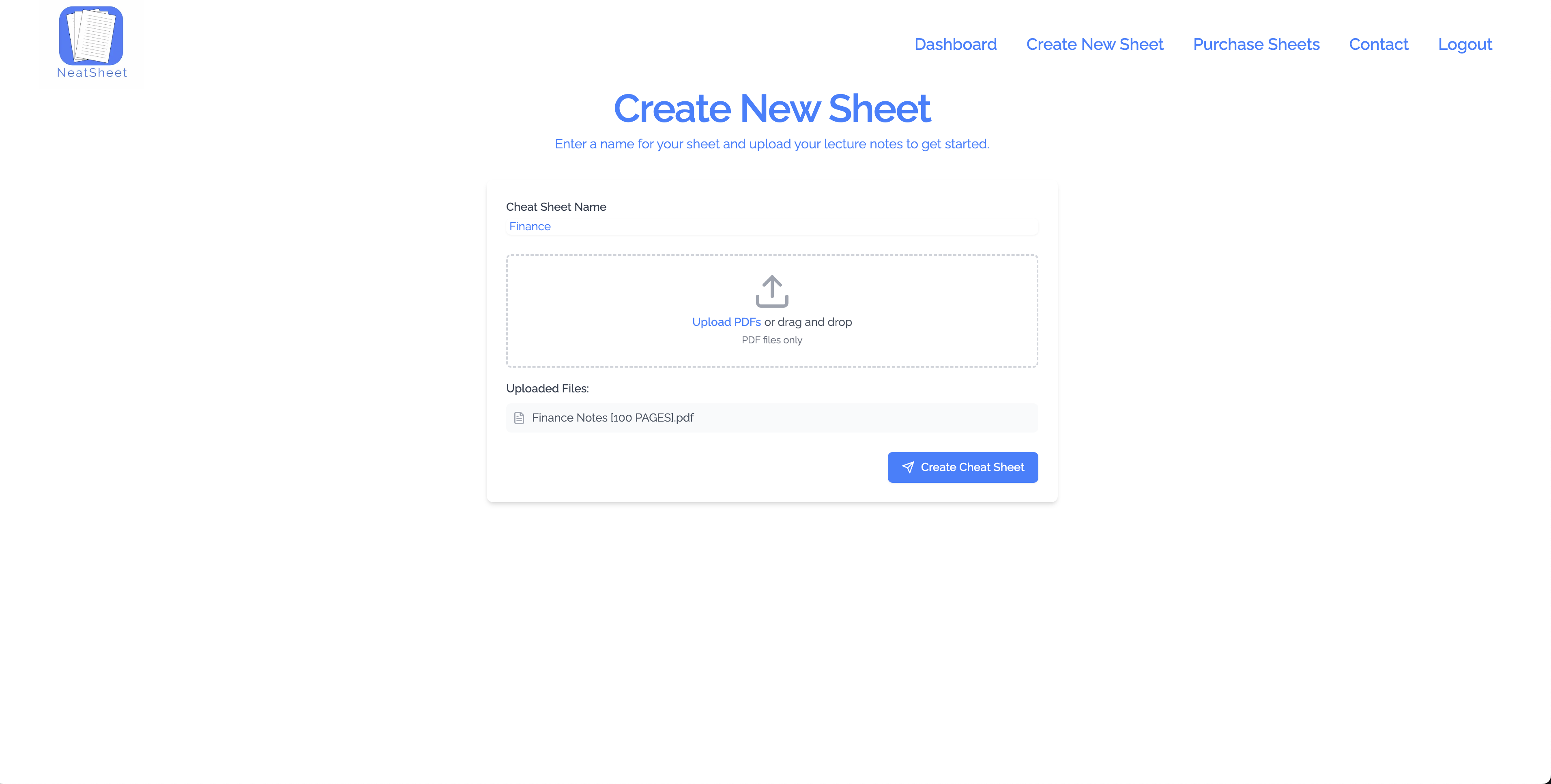
Example output
A focused summary of valuation formulas, key ratios, and quick interpretation notes to review before exams.
Example output from a 100 page PDF of finance notes
Related use cases
FAQ
Do I need to format the PDF first?
No. NeatSheet handles typical lecture notes, handouts, and readings without extra formatting.
Can I generate multiple sheets from one PDF?
Yes. Create focused cheat sheets for different sections or chapters.
Does it keep citations or references?
If references are important for your class, you can keep them or remove them during editing.
Is this only for students?
No. Professionals use NeatSheet to compress manuals, training PDFs, and technical docs too.
Ready to build your cheat sheet?
Start free and generate your first sheet in minutes.